
Buy with room for margin
Start from the cards and costs behind the offer.
- Research comparable card sales before making an offer
- Check condition and allow for selling costs and the margin you need
Put the card details you record at intake to work through pricing, show preparation, and selling. Pulltrader AI recommends next moves using your stock, costs, and market evidence.

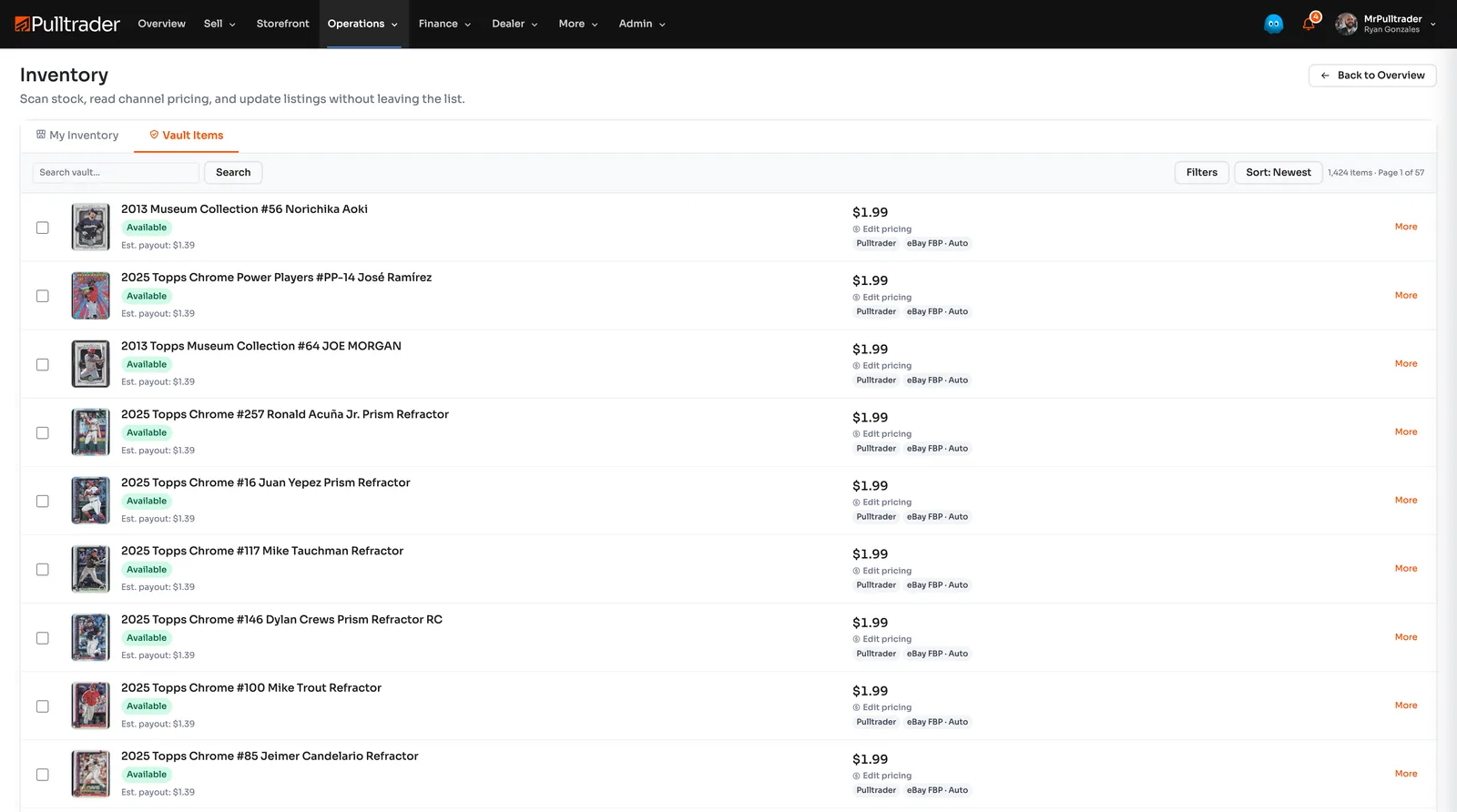
A card record should keep earning its place after intake. Use its identity, photos, cost, and location when preparing a listing, packing a show, or fulfilling the order.
Keep the work with the card.
Keep costs with the cards and use them when deciding the next price or selling route.
Import desktop scanner images or capture an individual card with your phone. Review the match, record what you paid, and check comparable sales before choosing a price.
Prepare stock for your storefront, Checkout, or an eligible Marketplace listing. Compare destination fees and fulfillment costs before choosing.
Review available inventory recommendations against recent sales and your costs. Choose the price or selling change you want to approve.
3.25% + $0.40 per card transaction on Storefront, Checkout and POS, with no separate seller commission. Your buyer covers the 3.25% + $0.40 transaction charge by default on Storefront, Checkout and POS card sales; you can choose to cover it in your settings. There is no separate seller commission. Cash POS has no transaction charge. Marketplace sales use a seller-level fee (5%–9%, depending on your level), charged to the seller. Every payout stays visible in Pulltrader.
Market value is one piece of the decision. Your costs, available stock, and selling options give it business context.
Start from the cards and costs behind the offer.
Spend less time repeating card entry.
Use the records you already manage.
Decide which asking price needs attention.
Complete costs make the result useful.
Bring in a new box or add one card. Keep the details ready to use when it is time to sell.
Capture an individual card with your phone and review its identification. Add images and research the card away from your desk.
Import desktop scanner images as a batch. Review uncertain matches before recording costs and preparing stock for sale.
Add cards one at a time with full control; cert lookup, custom pricing, condition, parallel, and channel selection.
Sell under your brand or across the table. Review eligible Marketplace and external routes when you want a different audience or fulfillment option.fee schedule.
Your branded store, your buyers.
Sell at shows, shops, and events.
List once, reach every Marketplace buyer.
Binz, external channels, and consignment routes are on the full fee schedule. Self-managed external listings keep 100% minus that platform's own fees.

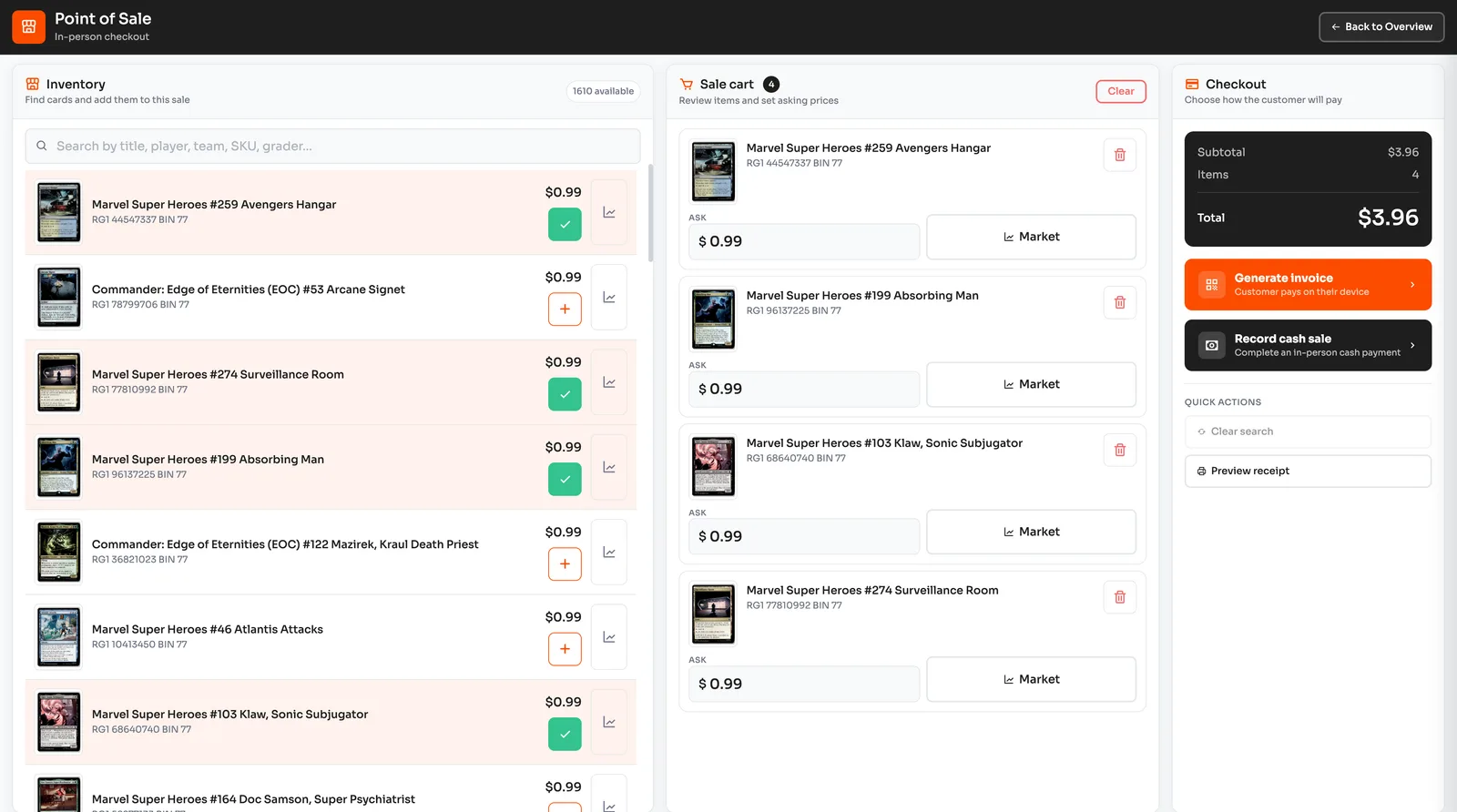
Business includes shipping tools for orders on your Storefront and POS. Marketplace and managed-fulfillment economics are on the fee schedule.
Use Pulltrader's shipping tools for orders that run through your Storefront and POS.
For approved Managed shops, based on volume and fit. Extra storage, shipping, and marketplace fees may apply. See pricing for Business and Managed plans. Explore Managed
Your Business subscription covers the platform. 3.25% + $0.40 per card transaction on Storefront, Checkout and POS, with no separate seller commission. Your buyer covers the 3.25% + $0.40 transaction charge by default on Storefront, Checkout and POS card sales; you can choose to cover it in your settings. There is no separate seller commission. Cash POS has no transaction charge. Marketplace sales use a seller-level fee (5%–9%, depending on your level), charged to the seller. Other channel rates are on the fee schedule.
A store builder, marketplace accounts, a POS, and a spreadsheet can work — until you try to scale. Here is what changes on one platform.
Want fee math against other marketplaces? See the side-by-side breakdown.
Start a 14-day Business trial with no card required. Add your inventory and explore the storefront and seller tools. Add a payment method within 14 days to keep Business.