Know what you own, what it cost, and where it's selling.
Keep your cards, costs, prices, and storage locations in one place. Find available stock, check where it is listed, and see what you paid before agreeing to a sale.
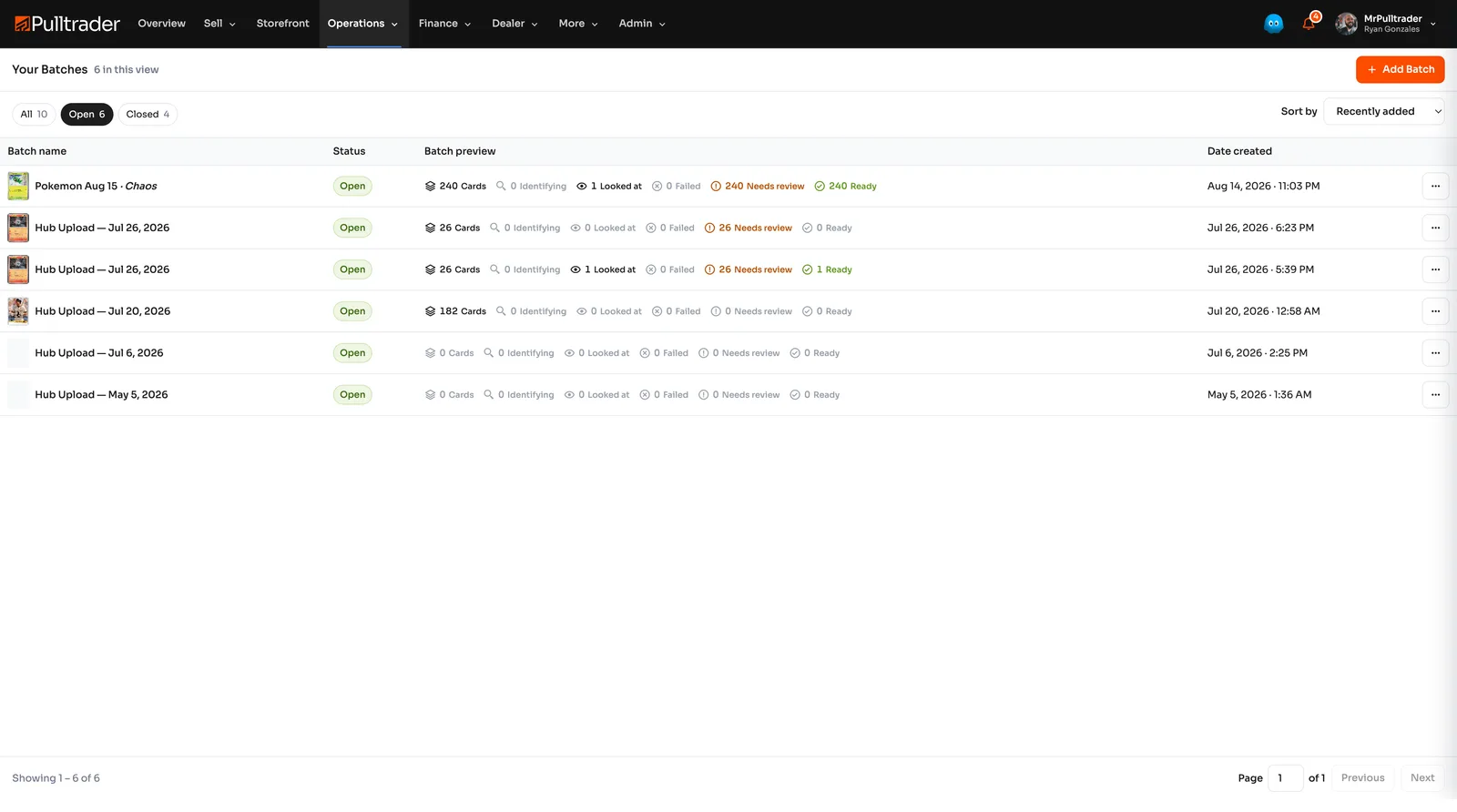
Find the card without searching every box.
As stock grows, card details end up in listings, messages, boxes, and memory. You spend time checking what is available, what you paid, and whether a card is still listed somewhere else.
Give every card a place
Create the card record
Add a card or bring in a desktop batch. Review its identity and images before using it for a listing.
Record the business details
Add acquisition cost, quantity, status, and a storage location. Track what you paid separately from what you want to sell it for.
Check what is available
Check available quantities and listing status before selling a card, taking it to a show, or changing its price.
Keep stock, costs, and listings together
- Find the card again
- Keep bins and storage locations with the card record so fulfillment starts with knowing where to look.
- Keep cost in the decision
- Record acquisition cost alongside pricing information. A market value alone does not tell you what you will keep.
- Know where it is listed
- See listing information from your connected channels alongside the card, its price, and available quantity.
- Separate stock from personal cards
- Inventory is your sellable stock. My Collection is for personally owned cards. Pulltrader Vault identifies cards held in Pulltrader custody.
Find a card while a buyer is waiting
Search your inventory, confirm the quantity and asking price, then find the card by its storage location. The details you need stay with the card.
- Confirm the available quantity.
- Review cost and your asking price.
- Check the channel and sale records instead of relying on memory.
Plans and common questions
Connect your selling channels to see their listing information. Record what you paid for each card so you can compare the asking price with your cost.
Review plans and pricingAre Inventory, My Collection, and Pulltrader Vault the same thing?
Inventory contains sellable cards managed as business assets. My Collection contains personally owned cards. Pulltrader Vault refers to cards held in Pulltrader custody; those cards have different handling and fulfillment requirements.
Get your inventory in order.
Start with the cards you own and the costs you know. Add locations and selling details as you go.